
For Apple Silicon Macs
SmackMac
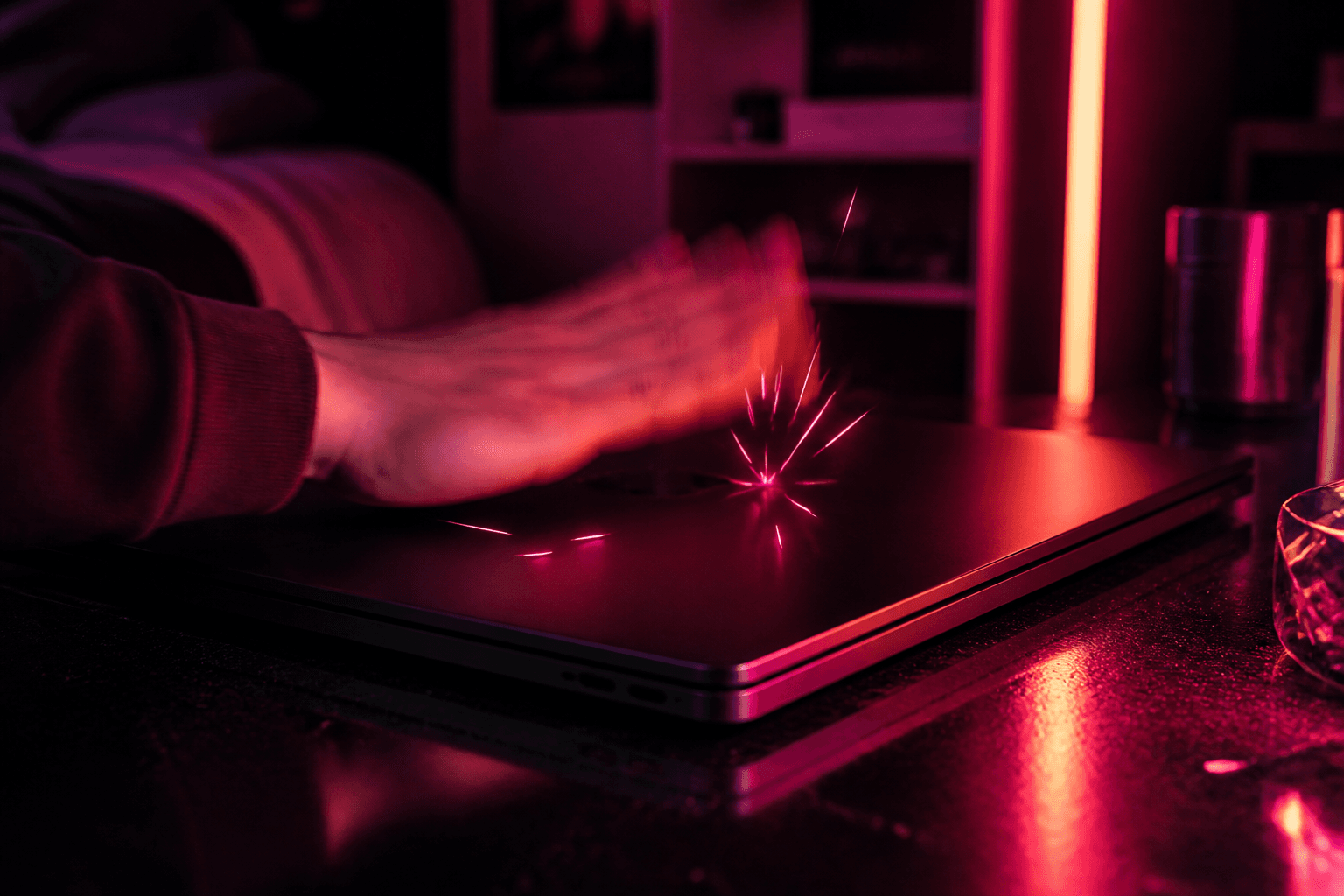
Slap your MacBook. It yells back.
A tiny Mac app that listens to the accelerometer and fires audio when you hit the laptop. One price. Forever yours.
$9.99·lifetime license via Polar·
How it works
No account. No monthly fee. Buy, download, slap.
01
Download SmackMac
Grab the DMG, drag SmackMac into Applications, launch it.
02
Slap once (preview)
Hardware check plays a sexy clip so you know it works.
03
Buy & activate
Pay $9.99 on Polar, paste your license key, then every slap yells back.
Moods of protest
Preview the packs shipping in SmackMac. Tap play — your neighbors may have questions.
Sexy
Escalates the longer you keep smacking. Headphones recommended.
Dial in your slap
Same controls live inside SmackMac. Drag these to feel how picky or relentless your Mac gets.
FAQ
Straight answers. Fewer “it depends.”
No. SmackMac needs the Apple Silicon accelerometer (M2+, or M1 Pro specifically).
Before you buy
Works on Apple Silicon — M2 and newer, or M1 Pro specifically. Not Intel. Not other M1 chips.
First launch: slap once to preview (sexy clip), then activate a Polar license for ongoing sounds.
If macOS blocks the sensor, allow SmackMac under Privacy → Input Monitoring (permission toggle, not sudo).
Unsigned builds may need Right-click → Open the first time (Gatekeeper).

Lifetime
$9.99
Pay once on Polar. Open SmackMac, slap once to pass the hardware check, paste your license key — then every slap yells back.